


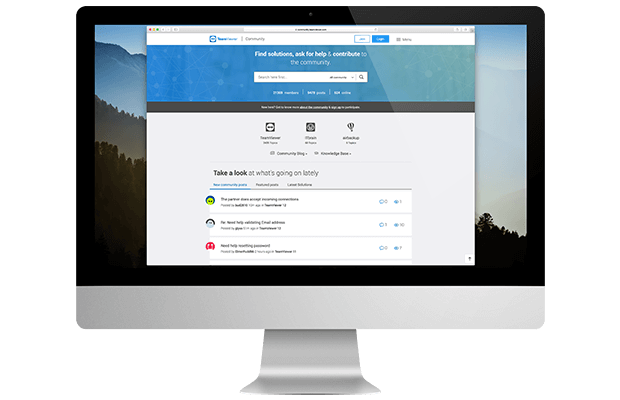
Your friend lives abroad, while you live in Bangladesh. Your friend isn’t very skilled with computers. You want to teach your friend something or help out by doing some work on their computer. But how is this possible when you’re thousands of kilometers apart? Using TeamViewer software, you can use your friend’s computer, allowing you to both teach them and take care of various tasks. For this, both computers must have an internet connection and TeamViewer installed.
To get started, both of you should download and install the software from www.teamviewer.com. Once installed, open the software on both computers. After a moment, you’ll see an ID and Password appear under the Your Details section.
Since you’ll be controlling your friend’s computer, have your friend send you their TeamViewer ID and Password through SMS, phone, mobile, message (chat), or email. Now, keeping Remote Support selected in your TeamViewer, enter your friend’s ID in the Partner Details section and click the Connect Partner button. The software will then verify your friend’s TeamViewer through the internet. Next, if prompted for a password, enter your friend’s password and click the Log On button.
Within moments, a window will appear titled with your friend’s provided ID. This is your friend’s desktop, and now you have full control of their computer (you can create or delete files/folders, type, install software, download, watch videos, etc.). In short, as long as the internet connection remains active, you can do everything except log off or shut down the computer. Additionally, by selecting Filetransfer, you can transfer files and folders between your own computer and your friend’s.










Nice software
very very good but it virus software
NATUN LINK DIN KARON IT IS VIRUS SOFT
THANKS
This comment has been sanitized for the English site.
virus software kmna vuja jai?
very very thank nice software
my coumputer is vary solwoo